🎬 CLASS 08 β€’ Video & Storytelling

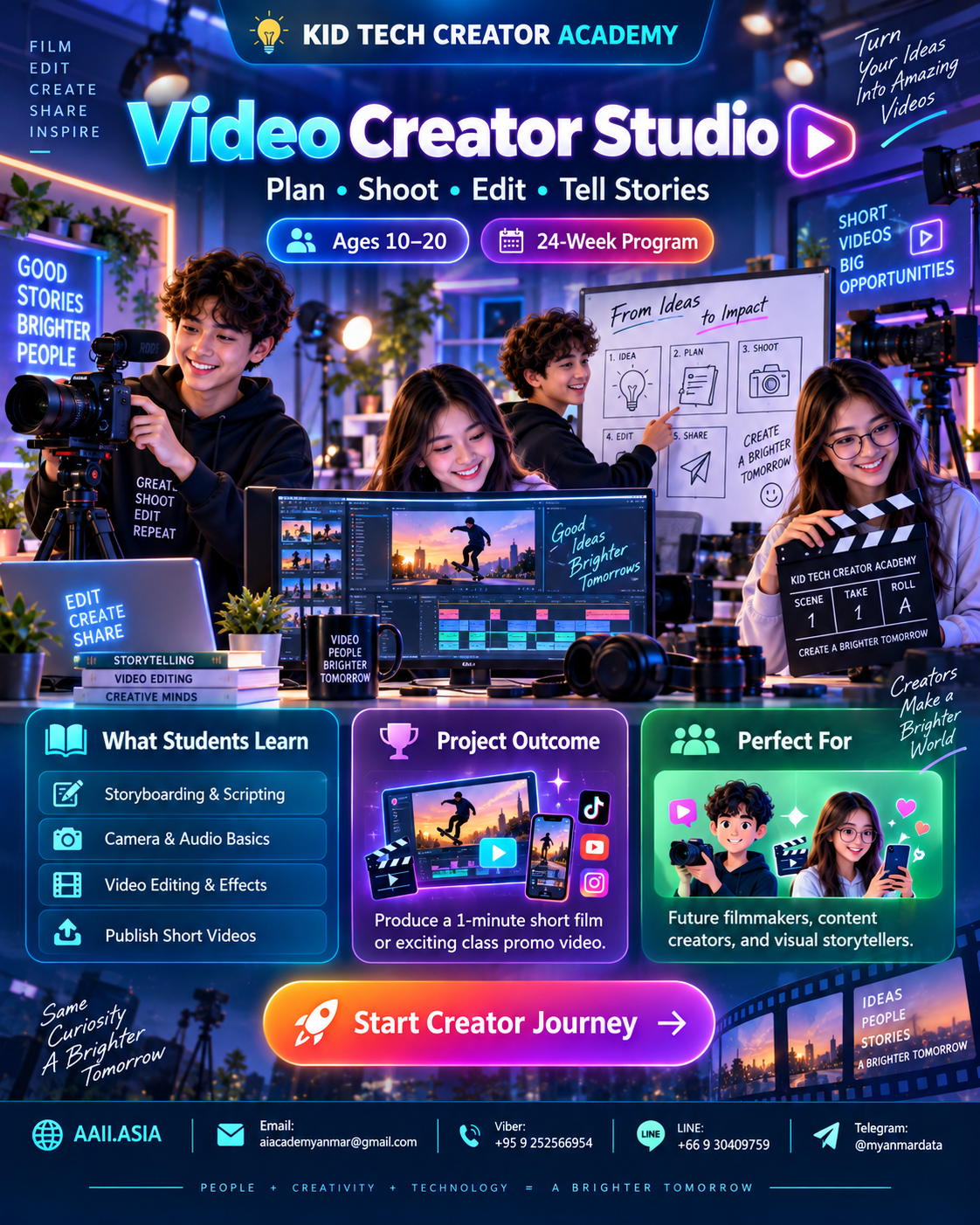
Video Creator Studio

Plan β€’ Shoot β€’ Edit β€’ Tell Stories

Plan, shoot, edit and publish short-form visual stories using a complete creator workflow from script to final export.

πŸ‘₯ Ages 10–20πŸ—“οΈ 24-Week ProgramπŸ† Portfolio Project
Duration6 Months
Modules6 Core
Projects6 + Capstone
CertificateIncluded
Video Creator Studio course visualClick visual to enlarge
WHAT STUDENTS LEARN

Six Interactive Learning Modules

Click each module card to open more detail. Every module combines guided learning, practice, creation and review.

MODULE 01

Story & Script

Ideas, audience, story structure, scripts and shot lists.

Learning Focus
Ideas, audience, story structure, scripts and shot lists.

Click again to collapse
MODULE 02

Camera & Composition

Framing, movement, lighting and phone/video setup.

Learning Focus
Framing, movement, lighting and phone/video setup.

Click again to collapse
MODULE 03

Video Editing

Cuts, pacing, transitions, titles and basic effects.

Learning Focus
Cuts, pacing, transitions, titles and basic effects.

Click again to collapse
MODULE 04

Sound & Voice

Recording, music, sound effects and audio cleanup.

Learning Focus
Recording, music, sound effects and audio cleanup.

Click again to collapse
MODULE 05

AI Video Workflow

Storyboards, AI assets, captions and verification.

Learning Focus
Storyboards, AI assets, captions and verification.

Click again to collapse
MODULE 06

Final Production

Edit review, export, thumbnail, credits and screening.

Learning Focus
Edit review, export, thumbnail, credits and screening.

Click again to collapse
MAIN COURSE STRUCTURE

6 Months β€’ 24 Weeks

A project-led learning path. Each month finishes with a concrete artifact students can add to their portfolio.

MONTH 01 β€’ WEEKS 01–04

Storyteller

Idea + script

🎯 30-sec Story
4-week cycle: Learn β†’ Practice β†’ Build β†’ Review & Showcase.
MONTH 02 β€’ WEEKS 05–08

Camera Creator

Shots + lighting

🎯 Cinematic Shot Pack
4-week cycle: Learn β†’ Practice β†’ Build β†’ Review & Showcase.
MONTH 03 β€’ WEEKS 09–12

Editor

Cuts + pacing

🎯 Edited Short
4-week cycle: Learn β†’ Practice β†’ Build β†’ Review & Showcase.
MONTH 04 β€’ WEEKS 13–16

Sound Designer

Voice + music

🎯 Audio-enhanced Video
4-week cycle: Learn β†’ Practice β†’ Build β†’ Review & Showcase.
MONTH 05 β€’ WEEKS 17–20

AI Video Maker

AI-assisted workflow

🎯 Concept Trailer
4-week cycle: Learn β†’ Practice β†’ Build β†’ Review & Showcase.
MONTH 06 β€’ WEEKS 21–24

Film Creator

Full production

🎯 1–3 Minute Short Film
4-week cycle: Learn β†’ Practice β†’ Build β†’ Review & Showcase.
INFOGRAPHIC

Skills + Project Outcome

The visual skill map shows curriculum emphasisβ€”not a student grade. The capstone turns those skills into one showcase-ready outcome.

CORE SKILL MAP

Curriculum Emphasis

Storytelling
94
Camera
90
Editing
88
Audio
86
AI Video
84
Production
92
πŸ†
PROJECT OUTCOME

Video Creator Capstone

Produce a polished 1–3 minute short film, vlog or educational video including script, shot plan, edit, sound and final credits.

βœ“ Cinematic Shot Pack
βœ“ Audio-enhanced Video
βœ“ Concept Trailer
βœ“ 1–3 Minute Short Film
PERFECT FOR

Future filmmakers, content creators, and visual storytellers.

Students learn through guided challenges, teamwork, experimentation and a final showcase rather than lecture-only study.

Future FilmmakersContent CreatorsVisual Storytellers
CLASS INFOBOX

Learning Format

Recommended rhythm: 2 sessions per week β€’ 2 hours per session. Suggested mix: 20% concept, 20% demonstration, 40% hands-on building, 20% project review.

Hands-onProject-BasedPortfolioTeamworkSafe Tech Use
STUDENT JOURNEY

From Learner to Creator

1LearnCore concepts
2PracticeGuided challenges
3BuildMonthly projects
4ShowcasePortfolio presentation
5CertifyTrack completion
CERTIFICATE PATH

KID TECH β€” Certified Video Creator

Complete the learning modules, project reviews and final showcase to qualify for the track completion certificate and portfolio record.

KID
TECH
βœ“

Start Your Creator Journey πŸš€

Ask about enrollment, class schedules, age placement and the right Creator Track for your goals.

Contact KID TECH CREATOR ACADEMY
ENROLLMENT β€’ AAII.ASIA

Start Creator Journey

Choose your preferred contact channel.