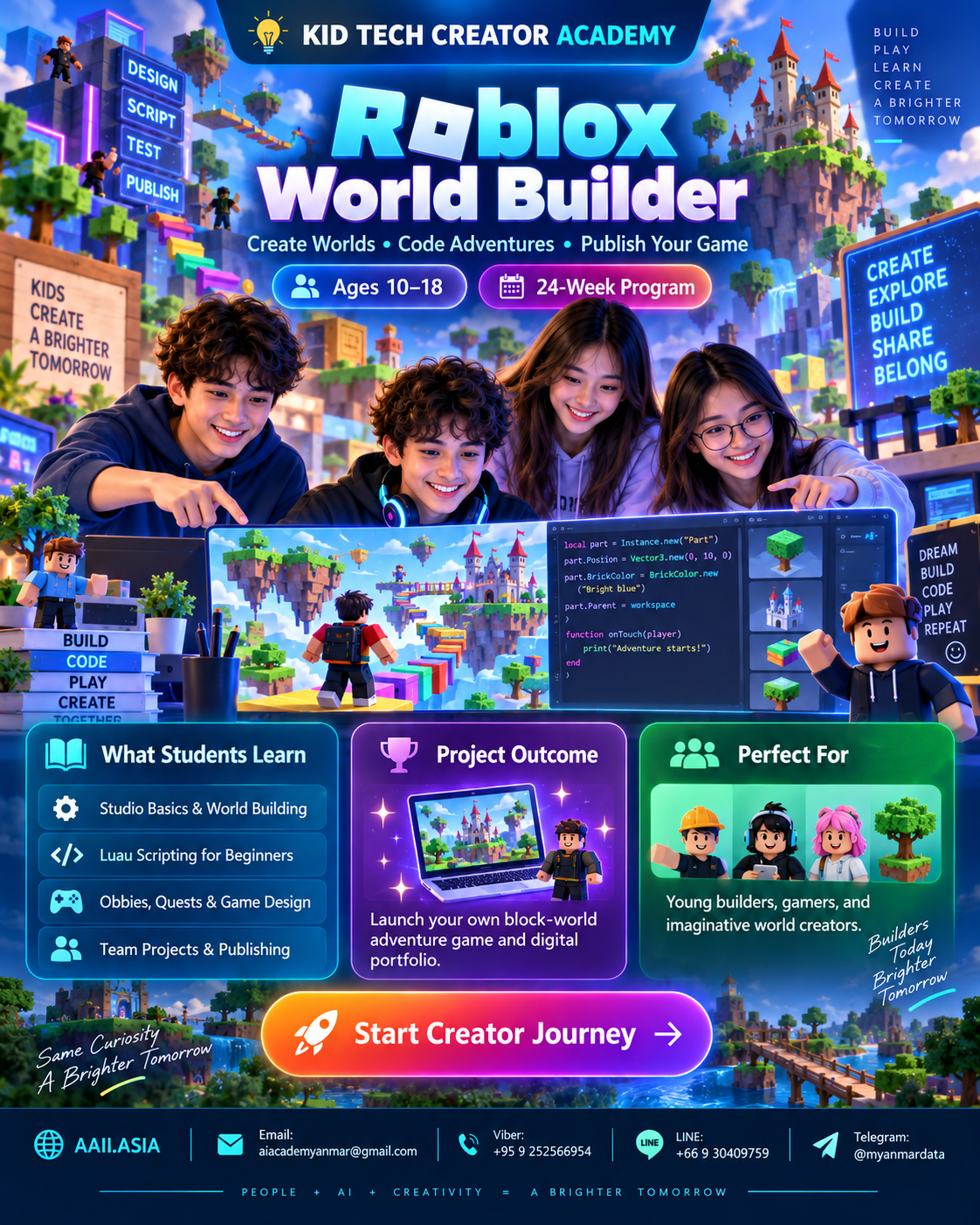
WHAT STUDENTS LEARN
Six Interactive Learning Modules
Click each module card to open more detail. Every module combines guided learning, practice, creation and review.
MODULE 01
Roblox Studio Essentials
Explorer, Properties, parts, models, terrain and safe publishing.
Learning Focus
Explorer, Properties, parts, models, terrain and safe publishing.
Click again to collapse
MODULE 02
3D World Building
Maps, materials, lighting, terrain and environmental storytelling.
Learning Focus
Maps, materials, lighting, terrain and environmental storytelling.
Click again to collapse
MODULE 03
Luau Coding Basics
Variables, events, functions, conditions and loops.
Learning Focus
Variables, events, functions, conditions and loops.
Click again to collapse
MODULE 04
Gameplay Systems
Checkpoints, collectibles, hazards, tools and interactions.
Learning Focus
Checkpoints, collectibles, hazards, tools and interactions.
Click again to collapse
MODULE 05
UI & Player Experience
Menus, instructions, feedback, score and accessibility basics.
Learning Focus
Menus, instructions, feedback, score and accessibility basics.
Click again to collapse
MODULE 06
Roblox Capstone
Testing, optimization, safety, teamwork and final experience.
Learning Focus
Testing, optimization, safety, teamwork and final experience.
Click again to collapse