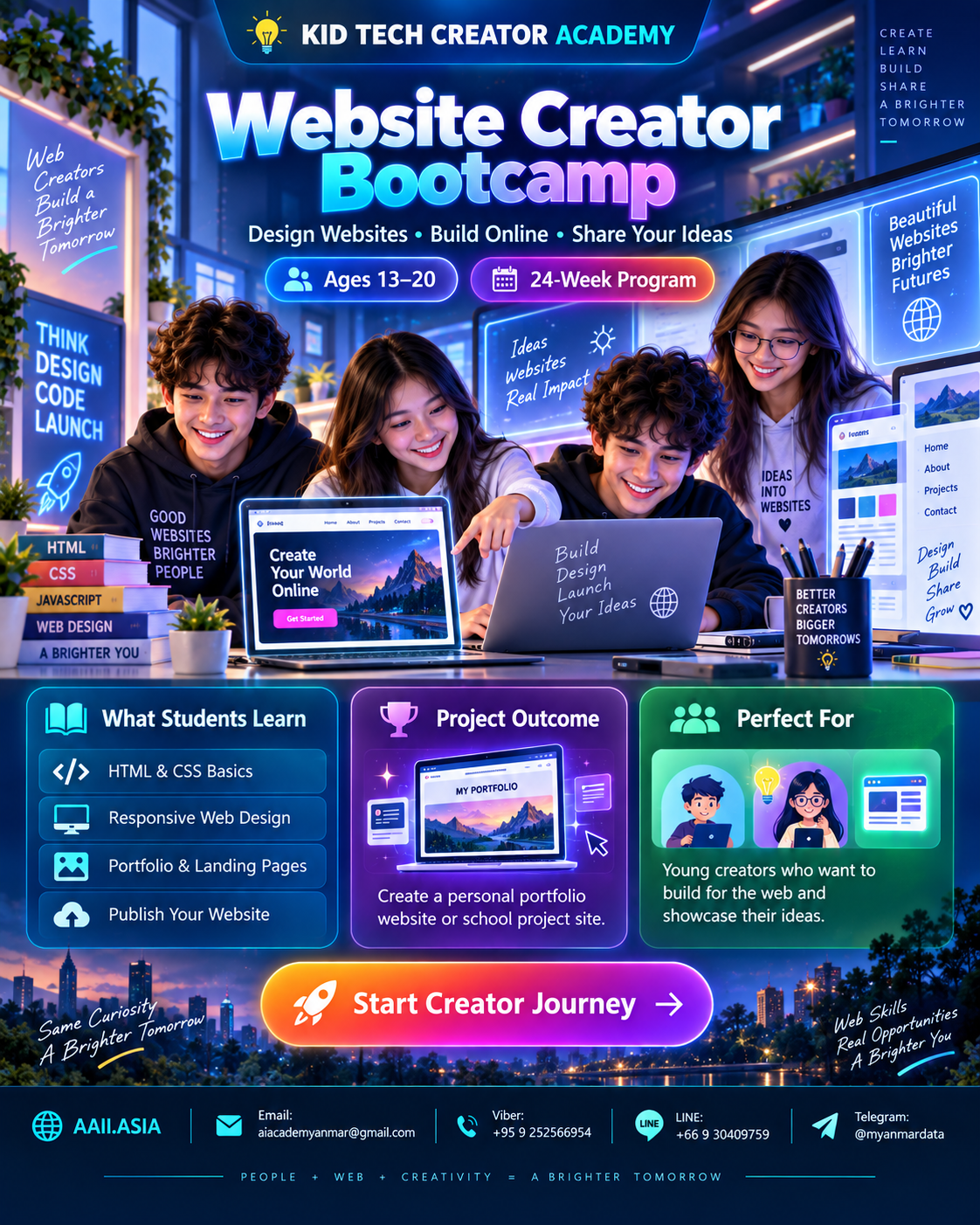
WHAT STUDENTS LEARN
Six Interactive Learning Modules
Click each module card to open more detail. Every module combines guided learning, practice, creation and review.
MODULE 01
Web Foundations
How websites work, browsers, URLs, files and web safety.
Learning Focus
How websites work, browsers, URLs, files and web safety.
Click again to collapse
MODULE 02
HTML Structure
Semantic sections, text, images, links, lists and forms.
Learning Focus
Semantic sections, text, images, links, lists and forms.
Click again to collapse
MODULE 03
CSS Design
Color, typography, spacing, cards, flexbox and grids.
Learning Focus
Color, typography, spacing, cards, flexbox and grids.
Click again to collapse
MODULE 04
Responsive UI
Mobile-first thinking, navigation and accessible layouts.
Learning Focus
Mobile-first thinking, navigation and accessible layouts.
Click again to collapse
MODULE 05
JavaScript Basics
Buttons, events, simple interactions and dynamic content.
Learning Focus
Buttons, events, simple interactions and dynamic content.
Click again to collapse
MODULE 06
Portfolio Launch
Content strategy, testing, performance basics and final website.
Learning Focus
Content strategy, testing, performance basics and final website.
Click again to collapse