πŸ“± CLASS 06 β€’ Apps + UI/UX

App & UI/UX Creator

Design Apps β€’ Improve User Experience β€’ Prototype Ideas

Transform ideas into user-friendly app prototypes through wireframes, UI design, user experience thinking and interactive product testing.
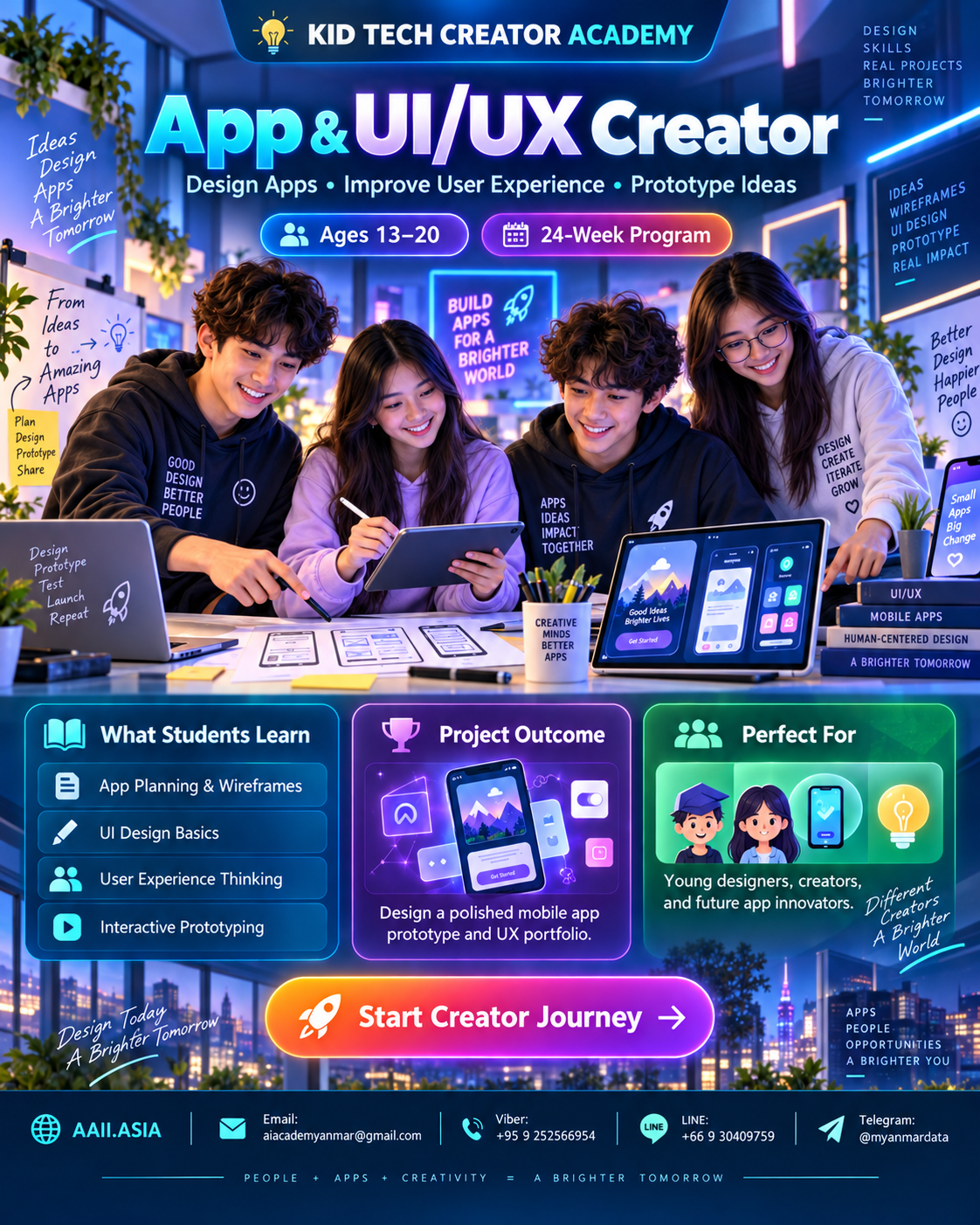
πŸ‘₯ Ages 13–20πŸ—“οΈ 24-Week ProgramπŸ† Portfolio Project
Duration6 Months
Modules6 Core
Projects6 + Capstone
CertificateIncluded
App & UI/UX Creator course visualClick visual to enlarge
WHAT STUDENTS LEARN

Six Interactive Learning Modules

Click each module card to open more detail. Every module combines guided learning, practice, creation and review.

MODULE 01

App Idea & User Needs

Problems, users, goals and feature prioritization.

Learning Focus
Problems, users, goals and feature prioritization.

Click again to collapse
MODULE 02

UI/UX Foundations

Wireframes, screens, navigation and usability.

Learning Focus
Wireframes, screens, navigation and usability.

Click again to collapse
MODULE 03

No-code App Building

Components, actions, logic and screen flow.

Learning Focus
Components, actions, logic and screen flow.

Click again to collapse
MODULE 04

Data & Forms

Inputs, lists, simple storage and validation concepts.

Learning Focus
Inputs, lists, simple storage and validation concepts.

Click again to collapse
MODULE 05

Smart Features

APIs/AI concepts, notifications and automation ideas.

Learning Focus
APIs/AI concepts, notifications and automation ideas.

Click again to collapse
MODULE 06

App Capstone

Testing, feedback, iteration, pitch and final prototype.

Learning Focus
Testing, feedback, iteration, pitch and final prototype.

Click again to collapse
MAIN COURSE STRUCTURE

6 Months β€’ 24 Weeks

A project-led learning path. Each month finishes with a concrete artifact students can add to their portfolio.

MONTH 01 β€’ WEEKS 01–04

Problem Finder

User + problem

🎯 App Idea Canvas
4-week cycle: Learn β†’ Practice β†’ Build β†’ Review & Showcase.
MONTH 02 β€’ WEEKS 05–08

UX Designer

Wireframe + flow

🎯 Clickable Prototype
4-week cycle: Learn β†’ Practice β†’ Build β†’ Review & Showcase.
MONTH 03 β€’ WEEKS 09–12

App Builder

Screens + actions

🎯 Working Mini App
4-week cycle: Learn β†’ Practice β†’ Build β†’ Review & Showcase.
MONTH 04 β€’ WEEKS 13–16

Data Maker

Forms + lists

🎯 Data-driven Feature
4-week cycle: Learn β†’ Practice β†’ Build β†’ Review & Showcase.
MONTH 05 β€’ WEEKS 17–20

Smart App

AI/automation idea

🎯 Smart Feature Demo
4-week cycle: Learn β†’ Practice β†’ Build β†’ Review & Showcase.
MONTH 06 β€’ WEEKS 21–24

App Innovator

Test + pitch

🎯 Final App Prototype
4-week cycle: Learn β†’ Practice β†’ Build β†’ Review & Showcase.
INFOGRAPHIC

Skills + Project Outcome

The visual skill map shows curriculum emphasisβ€”not a student grade. The capstone turns those skills into one showcase-ready outcome.

CORE SKILL MAP

Curriculum Emphasis

UI/UX
94
App Logic
90
No-code
88
Prototyping
86
User Testing
84
Product Thinking
92
πŸ†
PROJECT OUTCOME

App Creator Capstone

Create a working app prototype for a real student/community problem, test it with users and present the improved version.

βœ“ Clickable Prototype
βœ“ Data-driven Feature
βœ“ Smart Feature Demo
βœ“ Final App Prototype
PERFECT FOR

Young designers, creators, and future app innovators.

Students learn through guided challenges, teamwork, experimentation and a final showcase rather than lecture-only study.

Young DesignersCreatorsFuture App Innovators
CLASS INFOBOX

Learning Format

Recommended rhythm: 2 sessions per week β€’ 2 hours per session. Suggested mix: 20% concept, 20% demonstration, 40% hands-on building, 20% project review.

Hands-onProject-BasedPortfolioTeamworkSafe Tech Use
STUDENT JOURNEY

From Learner to Creator

1LearnCore concepts
2PracticeGuided challenges
3BuildMonthly projects
4ShowcasePortfolio presentation
5CertifyTrack completion
CERTIFICATE PATH

KID TECH β€” Certified App Creator

Complete the learning modules, project reviews and final showcase to qualify for the track completion certificate and portfolio record.

KID
TECH
βœ“

Start Your Creator Journey πŸš€

Ask about enrollment, class schedules, age placement and the right Creator Track for your goals.

Contact KID TECH CREATOR ACADEMY
ENROLLMENT β€’ AAII.ASIA

Start Creator Journey

Choose your preferred contact channel.