🧊 CLASS 10 β€’ 3D Art & Blender

3D Blender Creator

Model β€’ Texture β€’ Animate β€’ Render

Build 3D skills in Blender through modeling, materials, lighting, cameras, rendering and animation for a polished showcase project.

πŸ‘₯ Ages 13–20πŸ—“οΈ 24-Week ProgramπŸ† Portfolio Project
Duration6 Months
Modules6 Core
Projects6 + Capstone
CertificateIncluded
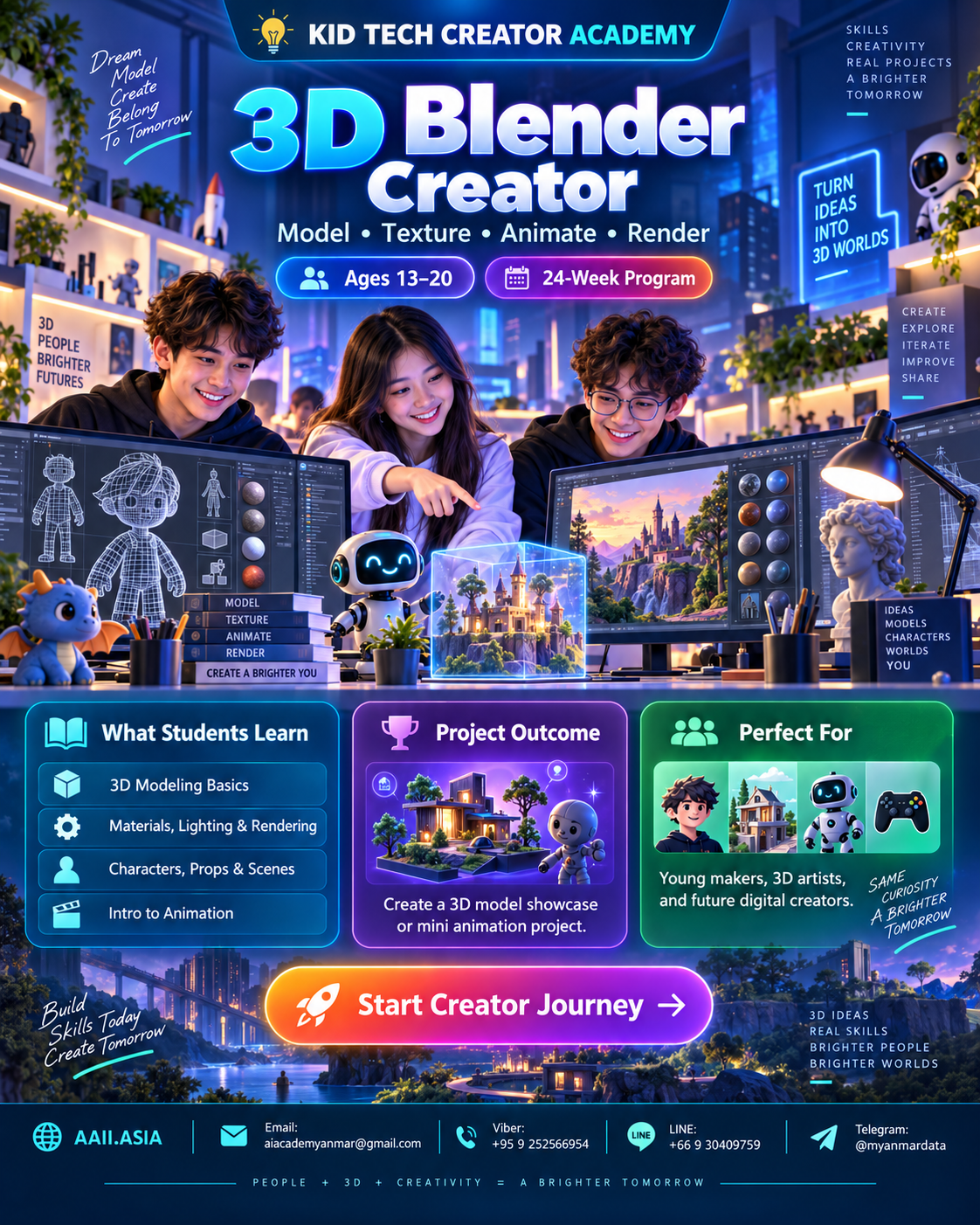
3D Blender Creator course visualClick visual to enlarge
WHAT STUDENTS LEARN

Six Interactive Learning Modules

Click each module card to open more detail. Every module combines guided learning, practice, creation and review.

MODULE 01

Blender Essentials

Interface, navigation, transforms, objects and scene organization.

Learning Focus
Interface, navigation, transforms, objects and scene organization.

Click again to collapse
MODULE 02

3D Modeling

Primitives, edit mode, modifiers and clean forms.

Learning Focus
Primitives, edit mode, modifiers and clean forms.

Click again to collapse
MODULE 03

Materials & Textures

Surface appearance, basic shaders and texture concepts.

Learning Focus
Surface appearance, basic shaders and texture concepts.

Click again to collapse
MODULE 04

Lighting & Camera

Three-point lighting, composition, lenses and mood.

Learning Focus
Three-point lighting, composition, lenses and mood.

Click again to collapse
MODULE 05

Rendering & Animation

Render settings, keyframes and simple movement.

Learning Focus
Render settings, keyframes and simple movement.

Click again to collapse
MODULE 06

3D Portfolio Capstone

Scene planning, optimization, final renders and presentation.

Learning Focus
Scene planning, optimization, final renders and presentation.

Click again to collapse
MAIN COURSE STRUCTURE

6 Months β€’ 24 Weeks

A project-led learning path. Each month finishes with a concrete artifact students can add to their portfolio.

MONTH 01 β€’ WEEKS 01–04

3D Explorer

Blender UI + objects

🎯 Low-poly Object Set
4-week cycle: Learn β†’ Practice β†’ Build β†’ Review & Showcase.
MONTH 02 β€’ WEEKS 05–08

Model Maker

Modeling tools

🎯 3D Product/Prop
4-week cycle: Learn β†’ Practice β†’ Build β†’ Review & Showcase.
MONTH 03 β€’ WEEKS 09–12

Material Artist

Materials + textures

🎯 Material Study
4-week cycle: Learn β†’ Practice β†’ Build β†’ Review & Showcase.
MONTH 04 β€’ WEEKS 13–16

Scene Designer

Lighting + camera

🎯 Cinematic Room
4-week cycle: Learn β†’ Practice β†’ Build β†’ Review & Showcase.
MONTH 05 β€’ WEEKS 17–20

3D Animator

Keyframes + render

🎯 Animated Shot
4-week cycle: Learn β†’ Practice β†’ Build β†’ Review & Showcase.
MONTH 06 β€’ WEEKS 21–24

3D Creator

Final scene + portfolio

🎯 Signature 3D Project
4-week cycle: Learn β†’ Practice β†’ Build β†’ Review & Showcase.
INFOGRAPHIC

Skills + Project Outcome

The visual skill map shows curriculum emphasisβ€”not a student grade. The capstone turns those skills into one showcase-ready outcome.

CORE SKILL MAP

Curriculum Emphasis

Blender
94
3D Modeling
90
Materials
88
Lighting
86
Rendering
84
Animation
92
πŸ†
PROJECT OUTCOME

3D Creator Capstone

Design a complete 3D scene or product visualization with original models, materials, lighting, camera composition and final renders.

βœ“ 3D Product/Prop
βœ“ Cinematic Room
βœ“ Animated Shot
βœ“ Signature 3D Project
PERFECT FOR

Young makers, 3D artists, and future digital creators.

Students learn through guided challenges, teamwork, experimentation and a final showcase rather than lecture-only study.

Young Makers3D ArtistsFuture Digital Creators
CLASS INFOBOX

Learning Format

Recommended rhythm: 2 sessions per week β€’ 2 hours per session. Suggested mix: 20% concept, 20% demonstration, 40% hands-on building, 20% project review.

Hands-onProject-BasedPortfolioTeamworkSafe Tech Use
STUDENT JOURNEY

From Learner to Creator

1LearnCore concepts
2PracticeGuided challenges
3BuildMonthly projects
4ShowcasePortfolio presentation
5CertifyTrack completion
CERTIFICATE PATH

KID TECH β€” Certified 3D Creator

Complete the learning modules, project reviews and final showcase to qualify for the track completion certificate and portfolio record.

KID
TECH
βœ“

Start Your Creator Journey πŸš€

Ask about enrollment, class schedules, age placement and the right Creator Track for your goals.

Contact KID TECH CREATOR ACADEMY
ENROLLMENT β€’ AAII.ASIA

Start Creator Journey

Choose your preferred contact channel.