🦾 CLASS 11 β€’ Robotics & IoT

Robotics & IoT Creator Lab

Build β€’ Sense β€’ Code β€’ Automate

Combine electronics, sensors, motors and code to build smart devices and robots that respond to the real world.

πŸ‘₯ Ages 10–20πŸ—“οΈ 24-Week ProgramπŸ† Portfolio Project
Duration6 Months
Modules6 Core
Projects6 + Capstone
CertificateIncluded
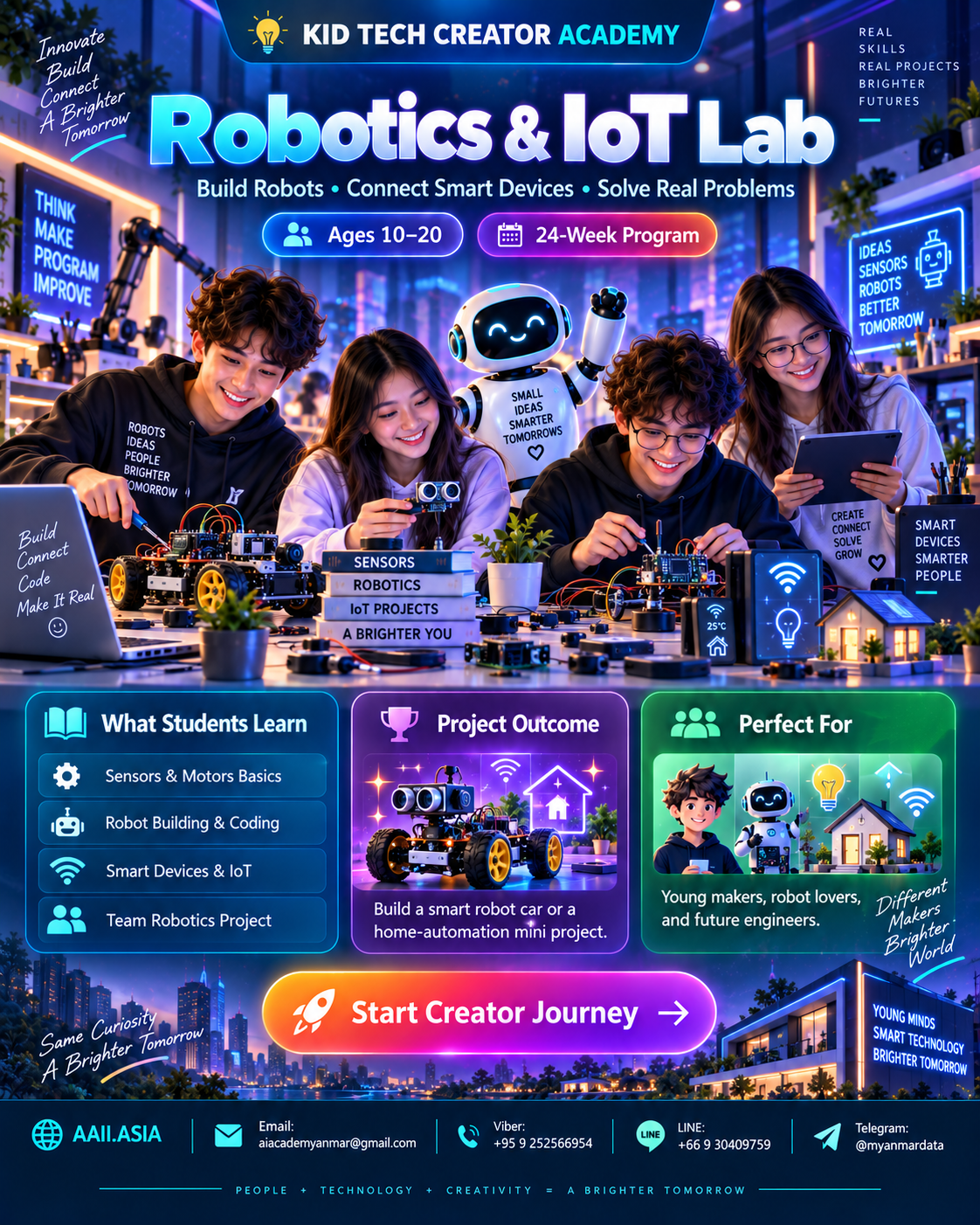
Robotics & IoT Creator Lab course visualClick visual to enlarge
WHAT STUDENTS LEARN

Six Interactive Learning Modules

Click each module card to open more detail. Every module combines guided learning, practice, creation and review.

MODULE 01

Electronics & Safety

Circuits, voltage concepts, LEDs, breadboards and safe making.

Learning Focus
Circuits, voltage concepts, LEDs, breadboards and safe making.

Click again to collapse
MODULE 02

Sensors & Inputs

Light, distance, button and environmental input concepts.

Learning Focus
Light, distance, button and environmental input concepts.

Click again to collapse
MODULE 03

Motors & Outputs

Servo/DC motors, buzzers, displays and control.

Learning Focus
Servo/DC motors, buzzers, displays and control.

Click again to collapse
MODULE 04

Robot Coding

Sequences, conditions, loops and sensor-based behavior.

Learning Focus
Sequences, conditions, loops and sensor-based behavior.

Click again to collapse
MODULE 05

Automation & IoT

Smart systems, connectivity concepts and data thinking.

Learning Focus
Smart systems, connectivity concepts and data thinking.

Click again to collapse
MODULE 06

Robot Challenge

Design, build, test, troubleshoot and demonstrate a robot.

Learning Focus
Design, build, test, troubleshoot and demonstrate a robot.

Click again to collapse
MAIN COURSE STRUCTURE

6 Months β€’ 24 Weeks

A project-led learning path. Each month finishes with a concrete artifact students can add to their portfolio.

MONTH 01 β€’ WEEKS 01–04

Maker Basics

Circuits + safety

🎯 LED Challenge
4-week cycle: Learn β†’ Practice β†’ Build β†’ Review & Showcase.
MONTH 02 β€’ WEEKS 05–08

Sensor Explorer

Inputs

🎯 Smart Sensor Demo
4-week cycle: Learn β†’ Practice β†’ Build β†’ Review & Showcase.
MONTH 03 β€’ WEEKS 09–12

Motion Maker

Motors

🎯 Moving Mechanism
4-week cycle: Learn β†’ Practice β†’ Build β†’ Review & Showcase.
MONTH 04 β€’ WEEKS 13–16

Robot Coder

Logic + control

🎯 Obstacle Robot
4-week cycle: Learn β†’ Practice β†’ Build β†’ Review & Showcase.
MONTH 05 β€’ WEEKS 17–20

Automation Lab

Smart systems

🎯 Automated Device
4-week cycle: Learn β†’ Practice β†’ Build β†’ Review & Showcase.
MONTH 06 β€’ WEEKS 21–24

Robot Engineer

Final challenge

🎯 Smart Robot Project
4-week cycle: Learn β†’ Practice β†’ Build β†’ Review & Showcase.
INFOGRAPHIC

Skills + Project Outcome

The visual skill map shows curriculum emphasisβ€”not a student grade. The capstone turns those skills into one showcase-ready outcome.

CORE SKILL MAP

Curriculum Emphasis

Electronics
94
Sensors
90
Motors
88
Robot Coding
86
Automation
84
Engineering
92
πŸ†
PROJECT OUTCOME

Robotics Creator Capstone

Build and demonstrate a sensor-based robot or smart device that solves a clear challenge and document the test/improvement process.

βœ“ Smart Sensor Demo
βœ“ Obstacle Robot
βœ“ Automated Device
βœ“ Smart Robot Project
PERFECT FOR

Hands-on makers, robot fans, and future engineers.

Students learn through guided challenges, teamwork, experimentation and a final showcase rather than lecture-only study.

Hands-On MakersRobot FansFuture Engineers
CLASS INFOBOX

Learning Format

Recommended rhythm: 2 sessions per week β€’ 2 hours per session. Suggested mix: 20% concept, 20% demonstration, 40% hands-on building, 20% project review.

Hands-onProject-BasedPortfolioTeamworkSafe Tech Use
STUDENT JOURNEY

From Learner to Creator

1LearnCore concepts
2PracticeGuided challenges
3BuildMonthly projects
4ShowcasePortfolio presentation
5CertifyTrack completion
CERTIFICATE PATH

KID TECH β€” Certified Robotics Creator

Complete the learning modules, project reviews and final showcase to qualify for the track completion certificate and portfolio record.

KID
TECH
βœ“

Start Your Creator Journey πŸš€

Ask about enrollment, class schedules, age placement and the right Creator Track for your goals.

Contact KID TECH CREATOR ACADEMY
ENROLLMENT β€’ AAII.ASIA

Start Creator Journey

Choose your preferred contact channel.